Table of Contents
If you are an EE customer looking for a smarter way to watch TV, the EE TV App might just be the answer you have been searching for. Whether you want to catch up on your favourite shows, watch live TV, or enjoy on-demand content, this app promises to deliver it all in one place. In this honest review, we are going to walk you through five solid reasons why the EE TV App is absolutely worth downloading. So grab a cup of tea, sit back, and let us dive right in.
What Is the EE TV App and How Does It Work
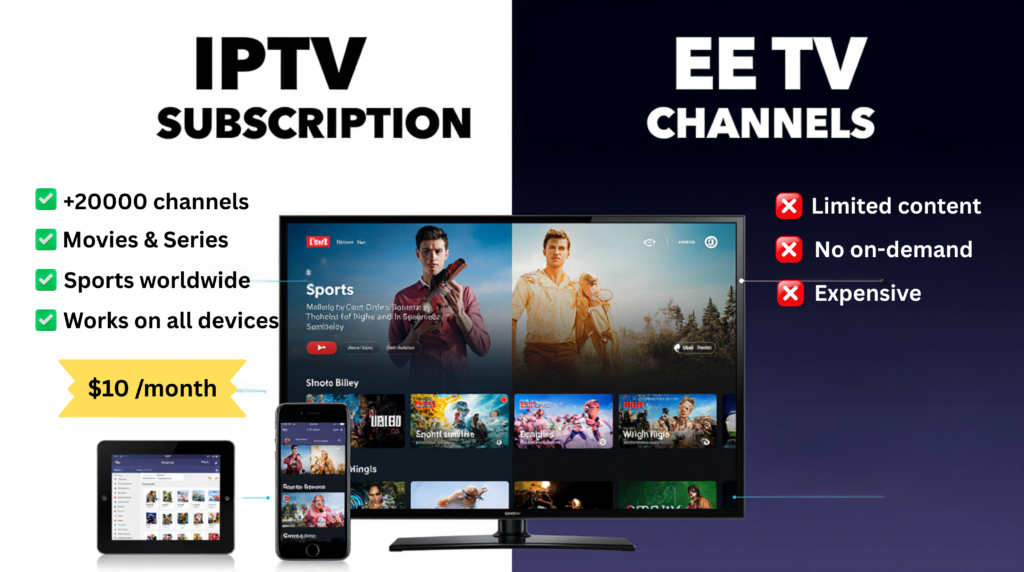
The EE TV App is a streaming and live TV application developed by EE, one of the UK’s leading mobile and broadband providers. It brings together live television, catch-up content, and on-demand shows into one easy-to-use platform. Think of it as your personal TV hub that travels with you wherever you go.
The app connects directly to your EE account, pulling in the channels and content that come with your plan. Once you are logged in, you can browse live TV, scroll through on-demand titles, and even set up personalised watchlists. It works much like other popular streaming services but with the added bonus of being bundled with your existing EE package.
What makes the EE TV App stand out is how simple and smooth the experience feels from the very first use. You do not need to be tech-savvy to get started. Everything is laid out clearly, and the app guides you through the setup process step by step.
Key Features of the EE TV App at a Glance
The EE TV App is packed with features that make your viewing experience more enjoyable and flexible. Here is a quick look at what you can expect:
- Live TV streaming across a wide range of channels
- Seven-day catch-up so you never miss a show
- On-demand library with films, series, and documentaries
- Multi-device support including phones, tablets, and smart TVs
- Personalised recommendations based on your viewing habits
- Parental controls to keep younger viewers safe
- Easy account management from within the app
These features combine to create a well-rounded entertainment experience that is hard to beat, especially when it is already included in many EE plans.
Which Devices Support the EE TV App
One of the great things about the EE TV App is that it works across a wide variety of devices. You are not limited to just one screen. Here is where you can use it:
- Android smartphones and tablets
- iPhones and iPads running iOS
- Smart TVs including Samsung and LG models
- Amazon Fire TV Stick
- Computers and laptops via a web browser
This flexibility means you can switch between your phone during your commute and your TV at home without missing a beat. The EE TV App keeps everything synced so your experience stays consistent no matter which screen you choose.
Who Is the EE TV App Designed For
The EE TV App is designed primarily for EE customers who want to get more value from their existing mobile or broadband plan. It is perfect for families who want different people watching different things on different devices. It also suits busy individuals who do not have time to sit in front of a TV at scheduled times and prefer to watch on their own schedule.
If you are someone who loves live sport, drama, reality TV, or documentaries, this app gives you easy access to a broad mix of content. Even if you are not a heavy TV watcher, the convenience and value it adds to your EE plan make it well worth exploring.
Reason 1 the EE TV App Offers an Exceptional Streaming Experience
Let us kick things off with the biggest reason people love the EE TV App: the streaming experience itself. When you load up the app, you are greeted with smooth playback, fast loading times, and picture quality that genuinely impresses. This is not one of those apps where you spend more time waiting for content to load than actually watching it.
Live TV Channels Available on the EE TV App
The EE TV App gives you access to a solid selection of live TV channels. Depending on your EE plan, you can watch channels across entertainment, news, sport, and kids categories. Some of the channel types you can expect include:
- Major UK free-to-air channels
- Entertainment and lifestyle channels
- News channels for staying up to date
- Kids channels for younger viewers
- Sports channels depending on your subscription level
Having live TV available on the go is a massive bonus, especially if you want to catch the news during your lunch break or watch a live match while travelling. The EE TV App makes this possible without any complicated setup.
How Streaming Quality Compares to Other Apps
When it comes to streaming quality, the EE TV App holds its own against well-known competitors. The app adjusts the video quality automatically based on your internet connection speed, which means you get the best possible picture whether you are on fast home broadband or a slower mobile connection.
On a strong connection, the quality is sharp and clear. On a weaker signal, the app intelligently reduces quality to keep things playing smoothly rather than constantly buffering. This adaptive streaming technology is something you find in premium apps like Netflix and BBC iPlayer, and it is great to see it built into the EE TV App as well.
Why Buffering Is Rarely an Issue With the EE TV App
Nobody likes buffering. That spinning circle that appears just as the plot reaches its most exciting moment is one of the most frustrating things about modern streaming. The EE TV App addresses this with smart buffering technology that pre-loads content ahead of your viewing position.
Because EE controls both the network and the app, there is a natural advantage when it comes to performance on EE mobile data. The app is optimised to run well on EE’s network, which means fewer interruptions and a more reliable experience overall. Of course, performance also depends on your device and connection, but most users report that buffering is rarely a problem.
Reason 2 the EE TV App Gives You Flexible On Demand Viewing

Flexibility is everything when it comes to modern TV viewing. Life is busy, and most of us cannot always sit down to watch something at the exact time it airs. That is exactly where the on-demand features of the EE TV App shine brightest.
How the Catch Up Feature Works on the EE TV App
The catch-up feature on the EE TV App lets you watch shows that aired in the past seven days. So if you missed a popular drama on Monday, you can still watch it on Friday without any fuss. Here is how it works:
- Open the EE TV App and go to the catch-up section
- Browse by channel or search for the specific show you missed
- Select the episode you want and press play
- Enjoy the show at your own pace with full playback controls
It really is that simple. The catch-up library is updated regularly so new content appears quickly after it has aired. This feature alone makes the EE TV App a fantastic tool for anyone with a busy schedule.
Top On Demand Content Available Right Now
Beyond catch-up TV, the EE TV App also offers an on-demand library filled with films, box sets, and exclusive content. The exact titles available depend on your EE plan and any additional subscriptions you may have linked, but you can generally expect a mix of:
- Popular drama series and box sets
- Family-friendly films and animations
- Documentaries covering a wide range of topics
- Reality TV favourites
- Comedy specials and entertainment shows
The library is regularly refreshed with new additions, so there is always something fresh to discover. If you enjoy variety in your viewing, the EE TV App delivers it in abundance.
How to Access On Demand Shows in Just a Few Taps
Getting to on-demand content on the EE TV App takes just a few seconds. From the home screen, you can navigate to the on-demand section directly. You can also use the search function to find a specific title quickly. The app remembers what you have been watching, so you can pick up right where you left off with just one tap. This seamless experience is one of the little touches that makes the EE TV App genuinely enjoyable to use every day.
Reason 3 the EE TV App Works Seamlessly Across Multiple Devices
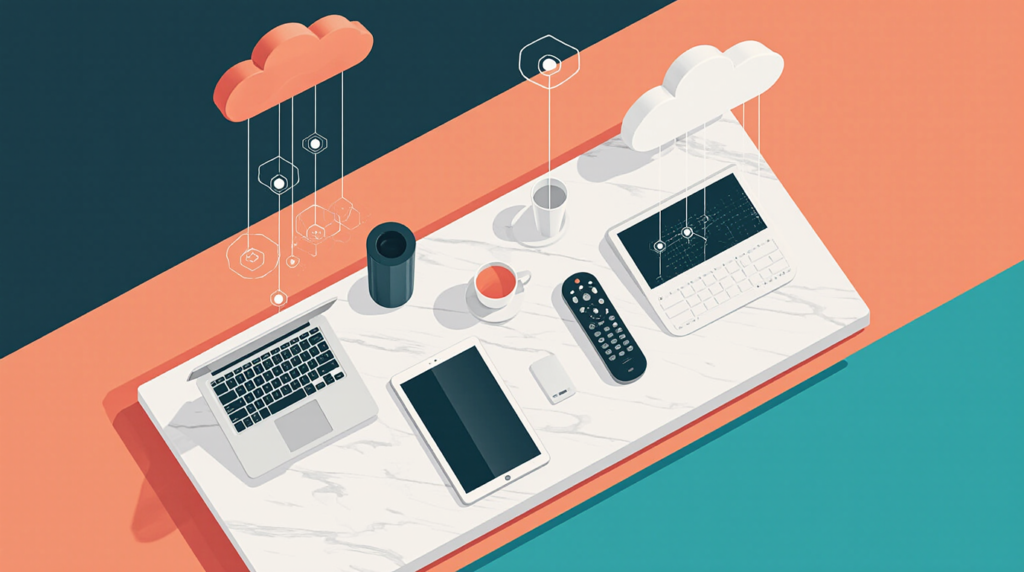
One of the standout strengths of the EE TV App is how well it works across different screens. Whether you are at home or out and about, switching between devices is smooth and hassle-free.
How to Set Up the EE TV App on Your Smart TV
Setting up the EE TV App on your smart TV is straightforward. Here are the general steps:
- Go to your smart TV’s app store (such as the Samsung App Store or LG Content Store)
- Search for the EE TV App
- Download and install the app
- Open the app and sign in with your EE account details
- Start browsing and watching straight away
The process takes just a few minutes and once it is done, you have a fully functional TV entertainment hub right on your big screen. The interface adapts beautifully to larger displays, making it a pleasure to use from the comfort of your sofa.
Using the EE TV App on Mobile and Tablet
On mobile and tablet, the EE TV App is equally impressive. The layout is designed with touchscreens in mind, making it easy to swipe, tap, and browse through content. You can download the app from the Google Play Store on Android or the App Store on iOS devices.
One particularly useful feature for mobile users is the ability to stream content using your EE mobile data allowance. Depending on your plan, streaming on the EE TV App may not even count towards your data cap, which is a fantastic added bonus for heavy users.
Does the EE TV App Work Without an EE Subscription
This is a question many people ask before downloading. The short answer is that the EE TV App is designed specifically for EE customers. You do need an active EE account to access the full range of features and content. However, some limited features may be accessible without a subscription depending on the version of the app.
If you are not currently an EE customer but are considering switching, the EE TV App is one of the genuine perks worth factoring into your decision. The content and features available are impressive enough to make it a real selling point.
Reason 4 the EE TV App Delivers a User Friendly Interface
A great app is not just about content. It is also about how easy it is to use. The EE TV App scores highly in this area thanks to its clean, well-organised interface that feels intuitive from the moment you open it.
How Easy Is It to Navigate the EE TV App
Navigating the EE TV App is genuinely simple. The home screen presents you with recommended content, recently watched shows, and easy access to live TV and on-demand sections. The menu is clearly laid out with logical categories that make finding what you want quick and painless.
The search function is powerful and fast, returning results almost instantly. You can search by show name, channel, genre, or even actor. This makes it easy to find exactly what you are in the mood for without scrolling endlessly through menus.
Personalisation Options Inside the EE TV App
The EE TV App learns from your viewing habits over time and uses this information to suggest content you are likely to enjoy. You can also manually add shows and channels to your favourites list, creating a personalised hub of your most-watched content.
This level of personalisation makes the app feel tailored to you rather than a one-size-fits-all experience. The more you use the EE TV App, the smarter it gets at recommending things you will actually want to watch.
Parental Controls and Settings on the EE TV App
For families with younger children, the parental control features on the EE TV App are a welcome addition. You can set content ratings restrictions to ensure that children can only access age-appropriate shows. Pin protection adds an extra layer of security, preventing little ones from accidentally accessing content that is not suitable for them.
These controls are easy to set up from within the app settings and can be adjusted at any time. It is a thoughtful feature that shows EE has considered the needs of family users when designing the EE TV App.
Reason 5 the EE TV App Offers Great Value for EE Customers
Value for money is always an important factor when deciding whether an app is worth your time. The EE TV App delivers exceptional value, particularly for existing EE customers who get access to it as part of their plan.
What Plans Include Access to the EE TV App
Access to the EE TV App is included with a range of EE mobile and broadband plans. The exact content and channel selection available to you will depend on the specific plan you are on. Higher-tier plans tend to unlock more premium content including additional sports and entertainment channels.
It is worth checking your current EE plan details to see exactly what is included. If you find that your plan does not include the EE TV App, upgrading may be well worth considering given the breadth of content on offer.
How the EE TV App Compares to Netflix and Disney Plus
Comparing the EE TV App to giants like Netflix and Disney Plus is interesting because they serve slightly different purposes. Netflix and Disney Plus are pure subscription streaming services with no live TV element. The EE TV App combines live TV, catch-up, and on-demand content in a single platform.
Where the EE TV App wins is in the live TV experience and the fact that it is bundled with your EE plan rather than being an additional monthly cost. Where Netflix and Disney Plus may have the edge is in the volume and exclusivity of their original content libraries. However, for everyday viewing, the EE TV App holds up extremely well and represents fantastic value within the EE ecosystem.
Is the EE TV App Free or Does It Cost Extra
For most EE customers, access to the EE TV App comes at no additional cost as part of their existing plan. This makes it one of the best free perks available to EE subscribers. If you want to add premium channels or additional content packs, there may be extra costs involved, but the core app and its standard content are included for free with qualifying plans.
This is a significant advantage over standalone streaming services that all require separate monthly subscriptions. Getting live TV and on-demand content for free as part of your phone or broadband bill is genuinely excellent value.
How to Download and Install the EE TV App Step by Step
Ready to get started? Downloading the EE TV App is quick and easy regardless of which device you are using.
Downloading the EE TV App on Android Devices
- Open the Google Play Store on your Android phone or tablet
- Type EE TV App into the search bar
- Tap the official EE TV App result
- Press Install and wait for the download to complete
- Open the app once installed and sign in with your EE account
The whole process usually takes less than two minutes on a decent connection.
Downloading the EE TV App on iOS Devices
- Open the App Store on your iPhone or iPad
- Search for EE TV App in the search tab
- Tap Get to download the app for free
- Wait for the installation to complete
- Open the app and log in with your EE credentials
iOS users will find the app runs smoothly and is well-optimised for Apple devices.
Setting Up Your Account on the EE TV App for the First Time
Once you have downloaded the EE TV App, setting up your account takes just a few moments. You will be prompted to log in using your EE account email address and password. If you have forgotten your login details, you can reset them quickly through the EE website.
After logging in, the app will detect your plan and unlock the content available to you. You can then take a few minutes to set up your preferences, add favourites, and configure any parental controls before you start watching.
Common EE TV App Issues and How to Fix Them
Like any app, the EE TV App can occasionally run into issues. Here is how to handle the most common problems you might encounter.
What to Do When the EE TV App Is Not Working
If the EE TV App is not loading or keeps crashing, try these steps first:
- Close the app completely and reopen it
- Check your internet connection is working properly
- Restart your device and try again
- Check if there is a known outage on the EE status page
- Uninstall and reinstall the app if the problem persists
Most issues resolve themselves with a simple restart of either the app or the device. If the problem continues, contacting EE customer support is your best next step.
How to Fix Login Problems on the EE TV App
Login issues are one of the most commonly reported problems with streaming apps. If you cannot log into the EE TV App, here is what to try:
- Double-check you are using the correct email and password
- Reset your password via the EE website if you are unsure
- Make sure your EE account is active and in good standing
- Clear the app cache from your device settings and try again
- Try logging in from a different device to rule out a device-specific issue
In most cases, a simple password reset resolves login problems quickly.
Tips to Improve Streaming Performance on the EE TV App
If you are experiencing slow streaming or poor picture quality on the EE TV App, these tips can help:
- Connect to a Wi-Fi network instead of using mobile data where possible
- Move closer to your Wi-Fi router to improve signal strength
- Close other apps running in the background on your device
- Lower the streaming quality setting within the app if your connection is slow
- Restart your router and try again
Small adjustments like these can make a big difference to your overall streaming experience.
Final Verdict Is the EE TV App Worth Downloading
After going through all five reasons and exploring everything the app has to offer, the answer is a clear yes. The EE TV App is absolutely worth downloading for any EE customer.
Who Will Benefit Most From the EE TV App
The EE TV App is ideal for EE customers who want to make the most of their plan. Families benefit from the multi-device support and parental controls. Busy professionals appreciate the catch-up and on-demand features. Sports fans enjoy access to live channels on the go. Essentially, if you are an EE customer who watches any TV at all, this app adds genuine value to your daily life.
Pros and Cons of the EE TV App Summarised
Pros:
- Included free with many EE plans
- Easy to use and navigate
- Works across multiple devices
- Live TV plus catch-up and on-demand in one place
- Adaptive streaming for smooth playback
- Solid parental control options
Cons:
- Requires an active EE account to access full features
- Content library may be smaller than dedicated streaming services
- Premium channels may cost extra depending on your plan
Our Overall Rating for the EE TV App
We give the EE TV App a strong 4.2 out of 5. It delivers excellent value for EE customers, offers a smooth and enjoyable viewing experience, and covers all the bases from live TV to on-demand content. A few limitations around content depth and account requirements keep it from a perfect score, but for the average EE customer, it is a fantastic addition to their entertainment setup.
Frequently Asked Questions About the EE TV App
Can I Use the EE TV App Without an EE Contract
The EE TV App is designed for EE customers and requires an active EE account to access the full range of features. Without an EE contract, your access to content will be limited or unavailable. If you are interested in the app, signing up to an EE plan is the best way to unlock everything it has to offer.
How Many Devices Can I Use With the EE TV App
The EE TV App supports use across multiple devices, allowing you to watch on your phone, tablet, smart TV, and more. The exact number of simultaneous streams permitted depends on your specific EE plan. Checking your plan details will give you a clear picture of how many screens you can use at the same time.
Is the EE TV App Available Outside the UK
The EE TV App is primarily designed for use within the UK. If you travel abroad, access to certain content may be restricted due to licensing agreements. Some features may still work depending on your destination, but for the best experience, the app is intended to be used on UK soil.
So there you have it, a full and honest look at the EE TV App and why it earns its place on your device. If you are already an EE customer and have not yet downloaded the app, now is the perfect time to give it a try. Head to your app store today, download the EE TV App, and start enjoying a smarter, more flexible way to watch TV. You will not regret it.