Table of Contents
Choosing the right TV box can feel tricky. That’s why we’re breaking down EE TV Box Pro vs Apple TV 4K in simple, friendly terms. Whether you love recording your favourite shows or prefer streaming on demand, this guide helps you pick the perfect box for your home. We’ll look at what each box does best, how they connect to your TV, and which one fits your life. By the end, you’ll feel confident about your choice. Let’s dive in!
Quick Comparison: At a Glance
Before we go deep, let’s see the big picture. Here’s a simple table to help you compare EE TV Box Pro vs Apple TV 4K at a glance:
| Feature | EE TV Box Pro | Apple TV 4K |
|---|---|---|
| Record live TV | ✅ Yes, up to 600 hours | ❌ No |
| Ethernet port | ✅ Yes | ✅ Yes |
| Watch Freeview without aerial | ✅ Yes (internet mode) | ✅ Yes (internet only) |
| Voice control | ❌ No | ✅ Siri built-in |
| Storage | 1TB hard drive | 128GB flash (apps only) |
| Best for | Recording fans, families | Apple users, streamers |
See something you like? Great! Now let’s explore each part in more detail. If you want to see all EE TV packages, check them out here.
Hardware & Connectivity Breakdown

Understanding Network & Port Options
Let’s talk about how your TV box connects to the internet. This matters because a good connection means smooth, clear pictures—no buffering!
Both the EE TV Box Pro and Apple TV 4K have a Gigabit Ethernet port. That’s a fancy way of saying you can plug in a cable for a super-stable connection. If you’ve ever had video freeze during a big game, you know why this is important.
- Wired connection (Ethernet): Best for 4K streaming. Less chance of slowdowns.
- Wi-Fi connection: Works well too, especially Wi-Fi 6 on Apple TV 4K. But walls and distance can weaken the signal.
If you’re wondering, “Does the Apple TV 4K ethernet port EE model really help?”—yes, it does! A wired link gives you the fastest, most reliable stream. That’s perfect for your main TV. Learn more about EE broadband speeds here.
Streaming Modes Explained
The EE TV Box Pro has a cool trick: it can work two ways.
- Aerial mode: Plug in your TV aerial. Watch Freeview channels like BBC One or ITV without using your internet. Great if your broadband goes down.
- EE TV Box Pro internet mode: Stream Freeview channels over your broadband. No aerial needed! This is handy if you want fewer cables behind your TV.
Internet mode is easy to set up. Just connect your box to Wi-Fi or Ethernet, and you’re ready. But remember: if your internet stops, streaming stops too. That’s why some people keep the aerial as a backup.
Quick checklist for internet mode:
- ✅ EE or BT Broadband (at least 25Mbps for 4K)
- ✅ Stable Wi-Fi or Ethernet cable
- ✅ Updated box software
If you want to watch Freeview without aerial EE style, internet mode is your friend. Just make sure your broadband is up to the task!
Storage, Recording & On-Demand Content
Built-In Hard Drive Capacity
One big win for the EE TV Box Pro? Its 1TB hard drive. That’s a lot of space! You can record about 600 hours of TV. Let’s break that down:
- 📺 Soap operas (1 hour each): ~600 episodes
- ⚽ Football matches (2 hours each): ~300 games
- 🎬 Movies (1.5 hours each): ~400 films
When your drive gets full, the box will ask: “Delete old shows to make room?” You choose what stays. No stress.
Apple TV 4K doesn’t have a hard drive for recording. Its 128GB storage is for apps and downloads only. So if you love saving shows to watch later, the Box Pro is your best bet. Need help managing storage? See EE’s FAQ.
Time-Shifting & Pause/Live Features
Love pausing live TV? The EE TV Box Pro has you covered. Here are the top EE TV recording features:
- 🎯 Record up to 4 shows at once (2 in internet mode)
- 🔁 Series Link: Record every episode of your favourite show automatically
- ⏸️ Pause live TV, then play from where you left off
- ⏩ Fast-forward through ads on most recorded shows
- 📅 Plan recordings weeks ahead using the TV guide
These tools make TV time flexible. Miss the start of a movie? No problem. Want to skip ads later? Easy.
Apple TV 4K doesn’t record live TV. But it does offer great catch-up apps. More on that next!
Catch-up TV vs recording EE: Which Wins?
Let’s compare catch-up TV vs recording EE style:
| Catch-up TV (Apps) | Recording (Box Pro) |
|---|---|
| ✅ No setup needed | ✅ Keep shows forever |
| ✅ Always up to date | ✅ Watch offline anytime |
| ❌ Shows expire (7-30 days) | ❌ Uses hard drive space |
| ❌ Needs internet to play | ✅ Play recorded shows without internet |
So which wins? It depends on you!
- Choose catch-up if you watch shows soon after they air and don’t mind them disappearing.
- Choose recording if you want to build a library, re-watch favourites, or save sports events.
Many people use both! Record the big games, then use catch-up for daily soaps. The EE TV Box Pro lets you do both in one place.
Freeview Access & Live Broadcast Options
Aerial-Free Viewing Solutions
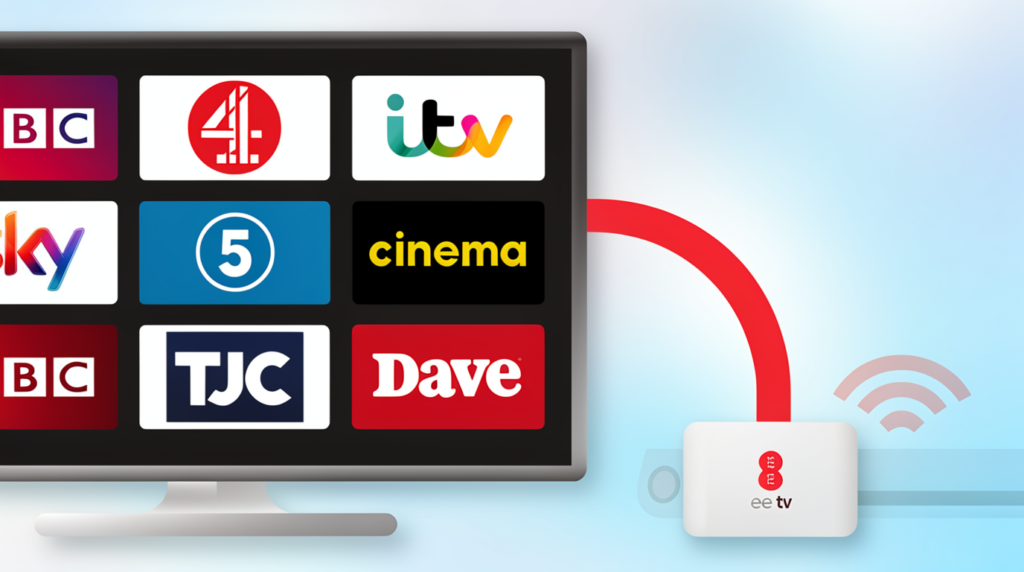
Want to watch Freeview without aerial EE? You can! Both boxes let you stream Freeview channels over the internet. Here’s how it works:
- Connect your box to broadband (Wi-Fi or Ethernet).
- Open the TV guide.
- Pick a channel and press play.
Most popular channels work great: BBC, ITV, Channel 4, Channel 5, and more. But a few smaller channels may not be available in streaming mode. That’s the trade-off for fewer cables.
Who benefits most from ditching the aerial?
- 🏠 Renters who can’t install an aerial
- 📶 Homes with strong broadband but poor TV signal
- 🧳 People who move often and want a simple setup
Broadband checklist for aerial-free viewing:
- ✅ At least 25Mbps download speed for HD
- ✅ Unlimited data (streaming uses lots!)
- ✅ Stable connection (wired is best)
If you’re not sure about your speed, test it here.
Smart Features, Audio & App Ecosystem
Voice Commands & Smart Home Integration
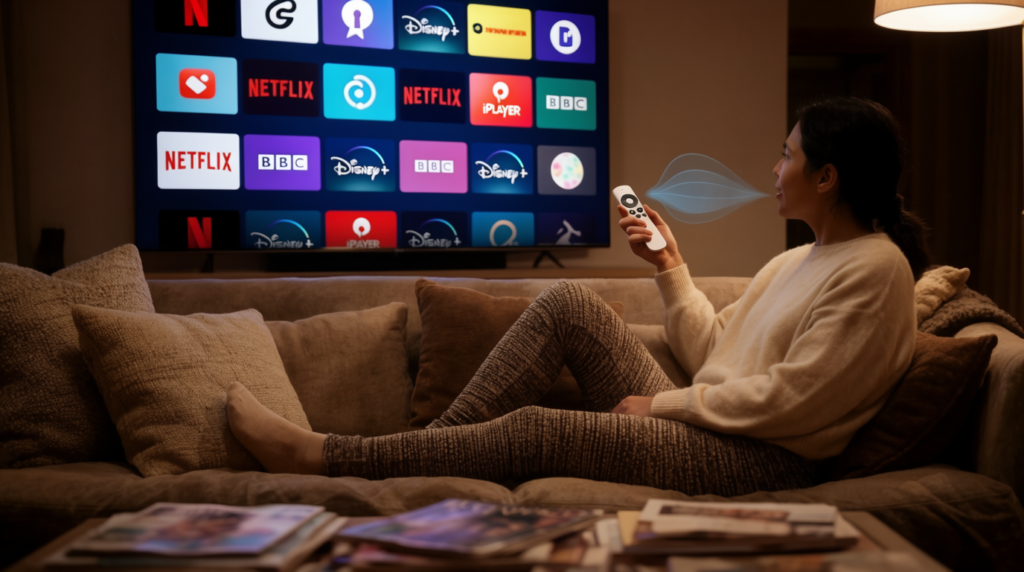
If you love saying “Hey Siri, find comedies,” you’ll enjoy the Apple TV 4K. Its Siri voice control Apple TV EE edition makes finding shows super easy.
Try these voice commands:
- 🗣️ “Show me action movies from the 90s”
- 🗣️ “What’s on BBC One right now?”
- 🗣️ “Turn on the living room lights” (if you have smart lights)
- 🗣️ “Pause the TV”
Siri also works with Apple HomeKit. That means you can control your thermostat, camera, or doorbell right from your TV. Pretty cool!
The EE TV Box Pro doesn’t have voice search built-in. But its remote is simple and easy to use. Just press buttons to navigate.
Navigating Streaming & Broadcaster Apps
Let’s walk through the Apple TV 4K EE app guide. Setting up apps is easy:
- Open the App Store on your Apple TV.
- Search for your favourite app (Netflix, Disney+, BBC iPlayer, etc.).
- Click “Get” to download.
- Open the app and sign in with your account.
- Start watching!
Tips for managing apps:
- 📁 Group apps into folders (like “Kids” or “Sports”)
- 🔐 Set up parental controls to limit content
- 👥 Create separate profiles for each family member
- 🔄 Update apps regularly for the best performance
Both boxes support all major UK apps: BBC iPlayer, ITVX, All 4, My5, Netflix, Disney+, NOW, and more. The Apple TV 4K has a few extra perks, like Apple Arcade games and Fitness+ workouts. But for most viewers, both boxes give you the shows you love.
Immersive Sound & Picture Standards
Want cinema-style sound at home? Both boxes support Dolby Atmos EE TV boxes. That’s a special audio format that makes sound feel like it’s all around you.
To enjoy Dolby Atmos, you need:
- ✅ A Dolby Atmos soundbar or AV receiver
- ✅ HDMI cable (included with both boxes)
- ✅ Content that supports Atmos (like select movies on Netflix or TNT Sport events)
Picture quality tips:
- Both boxes deliver 4K HDR and Dolby Vision for bright, vivid colours.
- Make sure your TV supports these formats to see the full benefit.
- Use a high-speed HDMI cable (both boxes include one).
If you’re upgrading your sound system, look for “Dolby Atmos” on the box. It makes action scenes, concerts, and sports feel more real.
Expanding Your Home Entertainment
Multi-TV & Secondary Room Configurations
Got more than one TV? EE makes it easy to watch in multiple rooms. Here’s how EE TV multi-room setup works:
- Start with a main box: EE TV Box Pro or Apple TV 4K.
- Add EE TV Box Mini units for other rooms (up to 2 extra boxes free on most plans).
- All boxes share one account. Watch different shows at the same time!
- Record on the main Box Pro, then play recordings on any Mini.
Household size guide:
| People in home | Recommended setup |
|---|---|
| 1-2 people | 1 main box |
| 3-4 people | 1 main + 1 Mini |
| 5+ people | 1 main + 2 Minis |
Pro tips for multi-room:
- 📶 Use Ethernet for the main box if possible (best performance).
- 📡 Place Mini boxes where Wi-Fi signal is strong.
- 🔋 Minis are small and quiet—perfect for bedrooms.
Want to see multi-room prices? Check EE’s TV packages here.
Final Recommendation: Matching the Box to Your Lifestyle

So, which box is right for you? Let’s match your habits to the best choice for EE TV Box Pro vs Apple TV 4K.
👉 Choose EE TV Box Pro if you:
- Love recording live TV (sports, soaps, kids’ shows)
- Want to keep shows forever, not just for a few weeks
- Prefer a simple remote with record/pause buttons
- Like watching Freeview without using broadband bandwidth
- Have a family with different viewing times
👉 Choose Apple TV 4K if you:
- Stream most shows on demand (Netflix, Disney+, etc.)
- Own an iPhone, iPad, or Mac and love Apple features
- Want Siri voice control and smart home integration
- Prefer a sleek, modern interface with lots of apps
- Don’t need to record live TV often
Cost over 24 months (example):
- EE TV Box Pro plan: £X/month × 24 = £XXX total
- Apple TV 4K plan: £Y/month × 24 = £YYY total
(Prices vary—check ee.co.uk for current deals)
Both boxes give great value. The key is picking the one that fits your life.
🎯 Ready to choose?
👉 Compare EE TV packages now
👉 Chat with EE Support for personalised help
👉 Visit your local EE store to see the boxes in person
Don’t wait—start enjoying better TV today!
Frequently Asked Questions (FAQ)
Can I transfer recordings from EE TV Box Pro to Apple TV 4K?
No, recordings stay on the Box Pro’s hard drive. Apple TV 4K doesn’t support local recording.
Does the Apple TV 4K from EE require a specific broadband tier?
No specific tier, but we recommend at least 25Mbps for smooth 4K streaming. Wired Ethernet gives the best results.
Will my existing NOW/Discovery+ apps work on both boxes?
Yes! Both boxes support major UK apps. Just sign in with your account on each device.
How do I switch between aerial and internet mode on the Box Pro?
Go to Settings > TV Setup > Signal Source. Choose “Aerial” or “Internet”. The box will restart to apply changes.
Is the Apple TV 4K remote rechargeable?
Yes! The Siri Remote has a USB-C port. A short charge gives hours of use.
Can I use my own sound system with these boxes?
Absolutely. Both support HDMI ARC/eARC for easy connection to soundbars or AV receivers.
Still have questions? Visit EE Help or chat with support. We’re here to help you get the most from your TV!