Table of Contents
Tired of scrolling through confusing TV packages? You are not alone. Picking a TV service can feel like a big puzzle. There are so many choices. So many channels. So many prices. It is easy to feel stuck.
Maybe you have seen ads for EE TV. Maybe you have seen ads for BT TV. They look similar. They sound similar. So you might be wondering: Are EE and BT the same when it comes to your living room setup?
That is a great question. And it is the question we will answer today.
Here is the good news: by the end of this guide, you will know exactly which service fits your home. No more guesswork. No more confusion. Just clear, simple facts to help you choose.
We will break down everything you need to know. We will look at channels. We will look at boxes. We will look at price. And we will keep it friendly and easy to follow.
So grab a cup of tea. Get comfy. Let’s find your perfect TV match.
Understanding EE TV and BT TV: The Basics
Before we dive deep, let’s start with the basics. What exactly are EE TV and BT TV? Who are they for? And what makes them special?
What is EE TV?
EE TV is a TV service from EE. EE is a big name in the UK. They are known for fast mobile networks. But they also offer TV.
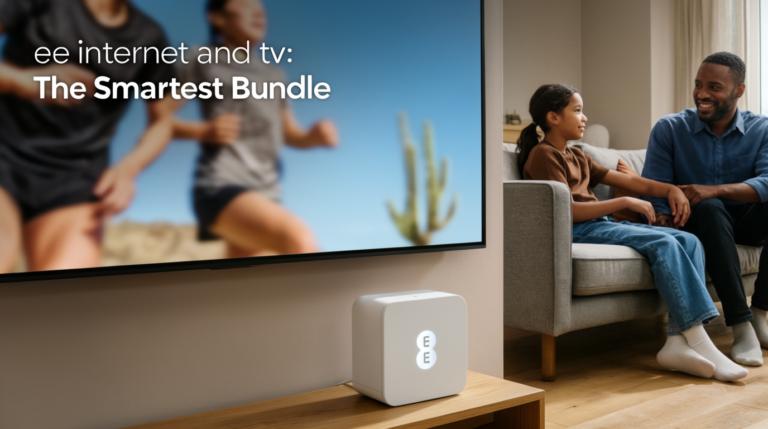
EE TV is great for people who want simple, flexible TV. It works with your broadband. It works with your phone plan. And it works with apps you already love.
Key features of EE TV include:
- Access to big streaming apps like Netflix and Disney+
- Easy-to-use menu and remote
- Options to add sports or movie channels
- Good integration if you already have an EE mobile plan
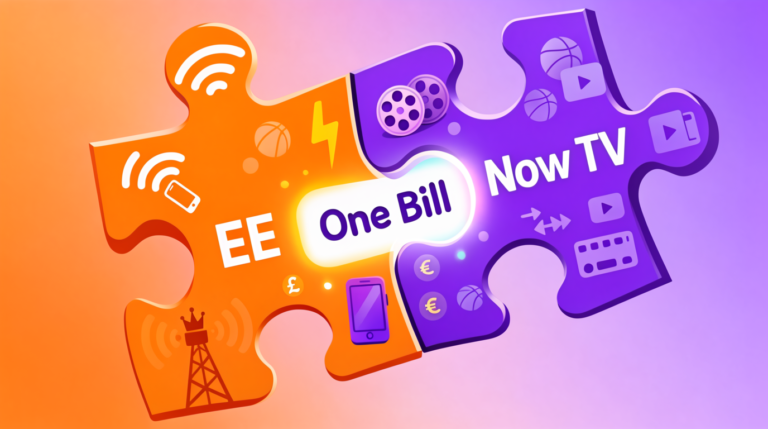
EE TV is a smart pick if you want one bill for your phone and TV. It is also a good choice if you love streaming and want everything in one place.
What is BT TV?
BT TV is a TV service from BT. BT is also a big name in the UK. They are known for home broadband and phone lines. But they also offer TV.
BT TV is great for people who want lots of channels and sports. It works with your BT broadband. It can also work with your mobile plan.
Key features of BT TV include:
- Big channel lineups, including sports and movies
- Options for 4K and HD content
- Access to streaming apps like Netflix and Amazon Prime
- Good integration if you already have BT broadband
BT TV is a smart pick if you watch a lot of live sports. It is also a good choice if you want a traditional TV experience with lots of channels.
The corporate connection: Are EE and BT the same company?
Now, here is where it gets interesting. Are EE and BT the same company? Well, sort of.
BT Group owns EE. That means they are part of the same big family. But they still run as separate brands. They have different logos. Different ads. And sometimes, different deals.
So, are EE and BT the same for you, the customer? Not always. Even though they share a parent company, their TV services can feel quite different.
What does this mean for you? It means you should not assume they are identical. You should still compare. You should still check the details. Because the best choice for your home might be one, or the other, or maybe even neither.
Let’s keep exploring to find out.
Are EE and BT the same when it comes to TV packages?
Okay, let’s get to the fun part: the TV packages. This is where you pick your channels. This is where you decide what to watch. So, are EE and BT the same when it comes to what you can actually see on your screen?
Channel lineups compared
First, let’s talk about regular channels. These are the channels you flip through on a normal day. News. Shows. Cartoons. Cooking. Travel. All the good stuff.
Both EE TV and BT TV offer a mix of free and paid channels. But the exact list can be different.
EE TV often focuses on:
- Popular free-to-air channels like BBC, ITV, Channel 4
- A curated selection of entertainment channels
- Easy access to streaming apps within the menu
BT TV often offers:
- A wider range of traditional TV channels
- More niche channels for hobbies and interests
- Options to add big bundles like Entertainment or Big Sport
So, if you love having hundreds of channels to browse, BT TV might feel bigger. If you prefer a simpler, cleaner menu with your favorite apps front and center, EE TV might feel easier.
Remember, the best lineup is the one that matches what you actually watch. Make a list of your top 10 channels. Then see which service has them all.
Sports and premium content options
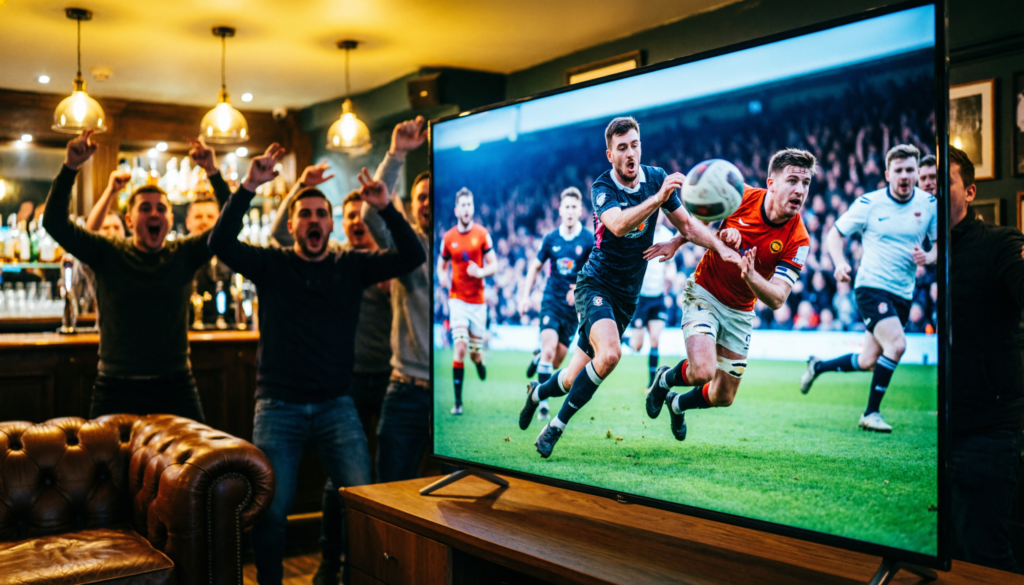
Now, let’s talk sports. This is a big one. If you love football, rugby, cricket, or F1, this section is for you.
Are EE and BT the same for sports fans? Not quite.
BT TV has a strong history with sports. They often offer:
- BT Sport (now TNT Sports) as a core part of their packages
- Options to add Sky Sports channels
- Ultra HD coverage for big games
EE TV also offers sports, but it can work a bit differently. They often offer:
- Access to TNT Sports through add-ons or partnerships
- Integration with streaming services that carry sports
- Simpler bundles if you are already an EE mobile customer
The key thing to check is: which service has the specific sport or league you want to watch? Do you need Sky Sports? Do you need TNT Sports? Make sure the service you pick actually has it before you sign up.
On-demand and streaming integrations

These days, we do not just watch live TV. We binge shows. We catch up on movies. We stream documentaries. So, how do EE TV and BT TV handle on-demand and streaming apps?
Good news: both services play nice with the big streaming names.
You can usually find:
- Netflix
- Amazon Prime Video
- Disney+
- YouTube
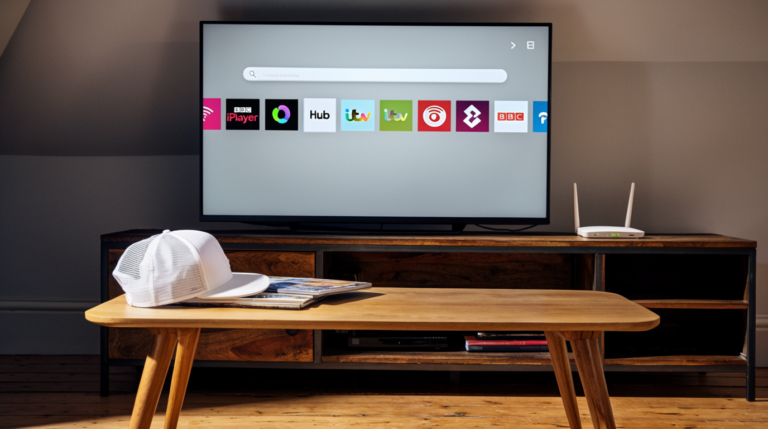
- BBC iPlayer, ITV Hub, All 4, and My5
But the experience can be different.
On EE TV, streaming apps are often built right into the main menu. It can feel like one smooth system. You switch from live TV to Netflix without changing inputs.
On BT TV, you can also access these apps, but sometimes it feels more like switching between different parts of the box. It is still easy, but the flow might be slightly different.
Also, check if the service offers any free trials or bundled subscriptions. Sometimes, you can get a few months of Netflix included. That is a nice bonus.
So, are EE and BT the same for streaming? They both offer the apps you love. But the way they bring them together might feel different. Try the menus if you can. See which one feels more natural to you.
Are EE and BT the same for hardware and user experience?
Now, let’s talk about the stuff you actually touch. The box. The remote. The screen. Are EE and BT the same when it comes to the hardware and how it all feels to use?
Set-top boxes and remotes compared

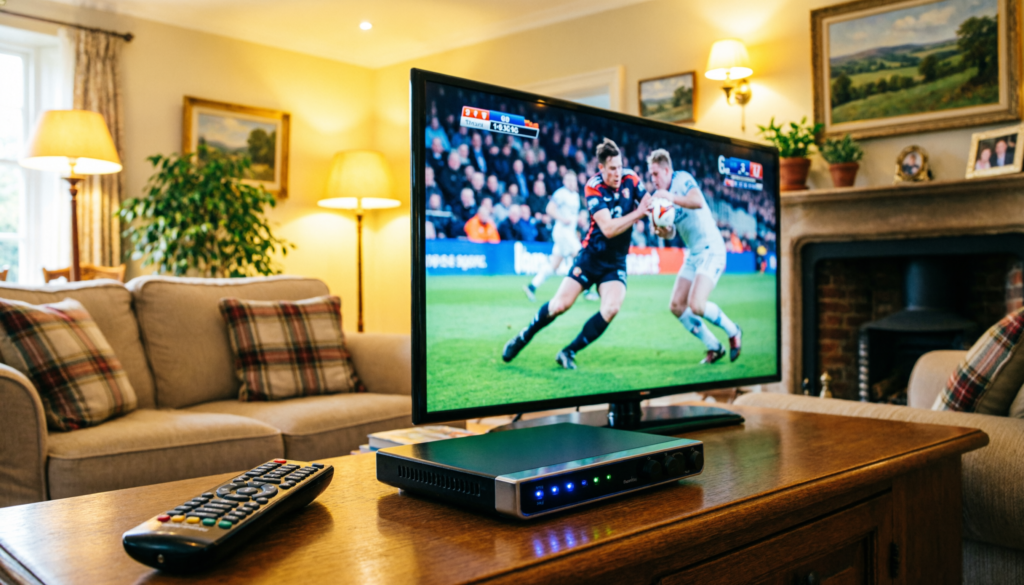
Both EE TV and BT TV use a set-top box. This is the little device that sits under your TV. It gets the signal. It runs the apps. It is the brain of your TV setup.
EE TV boxes are often:
- Sleek and simple in design
- Easy to set up with clear instructions
- Paired with a remote that has dedicated app buttons
BT TV boxes can be:
- A bit more feature-rich, with more ports and options
- Sometimes include a voice remote for hands-free searching
- Offer more storage for recording shows if you get the PVR version
The remote is a big deal. You use it every day. EE remotes tend to be minimalist. BT remotes might have more buttons for quick access.
Think about what you value. Do you want a super simple remote with just the basics? Or do you like having a button for every function? There is no right answer. Just what feels best in your hand.
App ecosystem and smart TV compatibility
What if you already have a smart TV? Do you even need a separate box?
Both EE TV and BT TV offer apps you can download on some smart TVs. This means you might not need the extra box. You can just use your TV’s own system.
But, the app experience might not be as full-featured as the dedicated box. You might miss out on some channels or recording options.
So, are EE and BT the same for app compatibility? They both try to work with popular smart TV brands like Samsung, LG, and Android TV. But the list of supported models can change.
Before you decide, check the official EE and BT websites. See if your TV model is on the list. If it is not, you will probably need the set-top box.
Also, think about other devices. Do you want to watch on your tablet or phone? Both services usually offer apps for iOS and Android. That is a big plus for watching on the go.
Streaming quality: HD, 4K, and reliability
Picture quality matters. Nobody wants a blurry, buffering screen. So, how do EE TV and BT TV compare for HD, 4K, and overall reliability?
Both services offer HD channels as standard. That is the clear, sharp picture you expect.
For 4K (also called Ultra HD), both can offer it, but with some conditions:
- You need a 4K TV, of course
- You need a fast and stable broadband connection
- You need to be subscribed to content that is actually in 4K (like some sports or movies)
BT TV has often been a leader in offering 4K sports. EE TV also offers 4K, but the library might be smaller.
Reliability is about more than just picture. It is about the service not freezing. Not dropping out. Just working, day after day.
Both EE and BT have generally good reputations for reliability. But your experience can depend on your local broadband speed and network congestion.
A good tip: before you sign up, run a speed test on your home broadband. Most TV services recommend a minimum speed for smooth HD or 4K streaming. If your speed is below that, you might have issues, no matter which service you pick.
So, are EE and BT the same for streaming quality? They both can deliver great picture. But your home internet plays a huge role. Make sure your connection is up to the task.
Are EE and BT the same on pricing and contracts?
Let’s talk money. This is important. Are EE and BT the same when it comes to what you pay, and what you sign up for?
Monthly costs and hidden fees decoded
The advertised price is just the start. You need to look at the full picture.
Both EE TV and BT TV have:
- A base monthly price for the TV service
- Extra costs for add-on channels (like sports or movies)
- Possible equipment fees (for the box or remote)
- Potential price increases after your initial contract period
A common hidden fee is the line rental or broadband cost if you bundle. Sometimes, the TV deal looks cheap, but you have to take their broadband too.
To compare fairly, write down the total monthly cost for the first year. Include everything: TV, broadband, phone, any add-ons. Then do the same for the second year, in case prices go up.
Also, check for setup fees. Sometimes, there is a one-time cost to get started. Other times, it is free if you order online.
Contract length and flexibility
How long are you signing up for? This is a big question.
Both EE and BT typically offer 18-month or 24-month contracts for their best deals. This locks in your price for that time.
But what if you want more flexibility?
- EE sometimes offers shorter or rolling contracts, especially if you are already a mobile customer.
- BT might have more traditional fixed-term contracts, but with options to upgrade mid-contract.
Also, check the early exit fees. Life changes. You might need to move house or change your budget. Knowing the cost to leave early is smart.
Are EE and BT the same for contract flexibility? Not always. EE might have a slight edge if you want a shorter commitment. But always read the small print for the specific deal you are looking at.
Bundle deals with broadband and mobile
This is where things can get really good value. Bundling means getting two or more services together, like TV + broadband, or TV + mobile.
Both EE and BT are masters of the bundle.
EE bundles often shine if you are already an EE mobile customer. You might get:
- A discount on your TV package
- Extra data on your phone plan
- One simple bill for everything
BT bundles often shine if you are already a BT broadband customer. You might get:
- A better price on TV when added to your broadband
- Free upgrades to faster broadband speeds
- Inclusive weekend calls or other perks
So, are EE and BT the same for bundles? They both offer them. But the best bundle for you depends on what you already have. If you love your EE phone plan, adding EE TV might make sense. If you are happy with BT broadband, adding BT TV could be a smooth move.
Always calculate the total cost of the bundle versus buying each service separately. Sometimes, the bundle is a great deal. Sometimes, it is not. Do the math.
How to pick the right TV service for your home
Okay, we have covered a lot. Channels. Boxes. Price. Contracts. Now, how do you actually make the choice? Here is a simple, step-by-step way to pick the right TV service for your home.
Assess your viewing habits first
Start with you. What do you actually watch?
Ask yourself:
- Are you a sports fanatic who needs every live game?
- Are you a binge-watcher who lives on Netflix and Disney+?
- Are you a casual viewer who just wants the news and a few shows?
- Do you have kids who need cartoons and safe viewing options?
Your answers will point you in the right direction.
If you are a sports fan, lean towards the service with the best sports package for your favorite leagues.
If you are a streaming fan, lean towards the service with the smoothest app integration and best 4K support.
If you are a casual viewer, lean towards the simpler, more affordable option with the channels you actually use.
There is no best service for everyone. There is only the best service for you.
Check coverage and broadband requirements
Before you get your heart set on a service, make sure it can actually work in your home.
First, check coverage. Go to the EE and BT websites. Use their postcode checkers. See if their TV and broadband services are available at your address.
Second, check your broadband speed. As we talked about, streaming TV needs a good internet connection. Use a free speed test website. Run the test on the device you would use for TV.
Most services recommend:
- At least 10 Mbps for smooth HD streaming
- At least 25 Mbps for smooth 4K streaming
If your speed is lower, you might have buffering issues. You could talk to your provider about upgrading your broadband. Or, you might need to pick a service that is less demanding on your connection.
Compare total cost of ownership
We talked about monthly price. But total cost of ownership is bigger. It is everything you will pay over time.
Make a simple table. List these items for both EE TV and BT TV:
- Monthly subscription cost (for year 1 and year 2)
- Cost of any add-on channels you want
- Equipment fees (box, remote, installation)
- Broadband cost if you need to bundle
- Mobile cost if you are considering a bundle
- Any price increase after the initial contract
Add it all up for a 24-month period. That is your true cost.
Now, compare that number to what you get. Which service gives you more of what you love for that price? That is your winner.
Read real user reviews and support ratings
Marketing copy is shiny. Real user reviews are honest.
Before you decide, spend 10 minutes reading reviews. Look on trusted sites like Trustpilot, or forums like Moneysavingexpert.
Pay attention to:
- Comments about customer service. Is it easy to get help?
- Comments about reliability. Does the service often go down?
- Comments about billing. Are there surprise charges?
- Comments about the box and remote. Do people find them easy to use?
Also, check independent ratings for customer support. Sometimes, one company is much better at helping you when things go wrong.
Are EE and BT the same in the eyes of real users? Reviews will show you the differences. One might be praised for easy setup. The other for great sports coverage. Let real experiences guide you.
Final verdict: Are EE and BT the same for you?
We have journeyed through channels, boxes, prices, and reviews. So, let’s bring it home. Are EE and BT the same for you? Probably not. They are two different paths to great TV.
The best choice depends entirely on your home, your habits, and your budget.
Choose EE TV if…
- You are already an EE mobile customer and want one simple bill
- You prefer a clean, simple menu that puts streaming apps first
- You want flexible contract options or shorter commitments
- You value a minimalist remote and easy setup
- Your main viewing is streaming services and catch-up TV
EE TV is like a friendly, modern guide. It helps you find what you love without fuss.
Choose BT TV if…
- You are already a BT broadband customer and want a seamless bundle
- You love traditional TV and want a wide range of channels to browse
- You are a serious sports fan who needs TNT Sports or Sky Sports
- You want advanced features like more recording storage or voice search
- You watch a lot of live events and want reliable 4K coverage
BT TV is like a well-stocked library. It has a little bit of everything, ready when you are.
Frequently asked questions
Let’s clear up a few more common questions.
Can I switch from BT to EE TV easily?
Yes, you can switch. The process is similar to changing any TV provider. You would:
- Check that EE TV is available at your address.
- Order your new EE TV package and equipment.
- Set up the new box when it arrives.
- Cancel your old BT TV service (check for any early exit fees first).
The tricky part is not the switch itself, but making sure you do not lose any channels or recordings you love during the change. Plan the switch for a quiet time, like a weekday morning.
Do both services offer Netflix and other apps?
Yes, both EE TV and BT TV offer access to major streaming apps like Netflix, Amazon Prime Video, and Disney+. You can usually download them directly onto your set-top box or smart TV app. The main difference is in how they are integrated into the main menu. EE TV often brings them more to the front. BT TV gives you access, but you might navigate to them slightly differently.
What about customer support differences?
Both EE and BT offer phone, online chat, and community forum support. Independent reviews sometimes give a slight edge to one or the other for speed or friendliness, but this can change over time. A good tip: before you sign up, try contacting their support with a simple question. See how fast and helpful they are. That is a great test of what to expect later.
Are EE and BT the same for multi-room TV setups?
If you want TV in more than one room, both services can help, but the setup might differ. EE TV often uses a simpler multi-room system with extra boxes or apps. BT TV has traditionally offered more dedicated multi-room options with extra boxes. The cost and complexity can vary. If multi-room is important to you, ask both providers for a specific quote for your home layout before you decide.
Conclusion and next steps
Phew. We covered a lot. Let’s recap the key things to remember when you ask: Are EE and BT the same?
- They are part of the same family, but their TV services have different strengths.
- EE TV often shines for simplicity, streaming, and mobile bundles.
- BT TV often shines for channel choice, sports, and broadband bundles.
- Your best choice depends on what you watch, what you already pay for, and your home internet.
The most important step is to get clear on your own needs. Write down your top channels. Know your broadband speed. Decide your budget. Then, compare the two services against your list.
Do not rush. Take your time. The right TV service should feel like a treat, not a headache.
Ready to make your choice? Use our simple comparison checklist below to lock in your best TV deal today.
Your Quick Comparison Checklist:
- [ ] I listed my 10 must-have channels.
- [ ] I checked which service has my favorite sports.
- [ ] I tested my broadband speed for streaming.
- [ ] I calculated the total 24-month cost for each bundle.
- [ ] I read recent user reviews for customer support.
- [ ] I confirmed which service works best with my existing phone or broadband plan.
Tick those boxes. Then, head to the EE or BT website with confidence. You have done the homework. You know what you want. Now, go get the TV service that is just right for you. Happy watching!